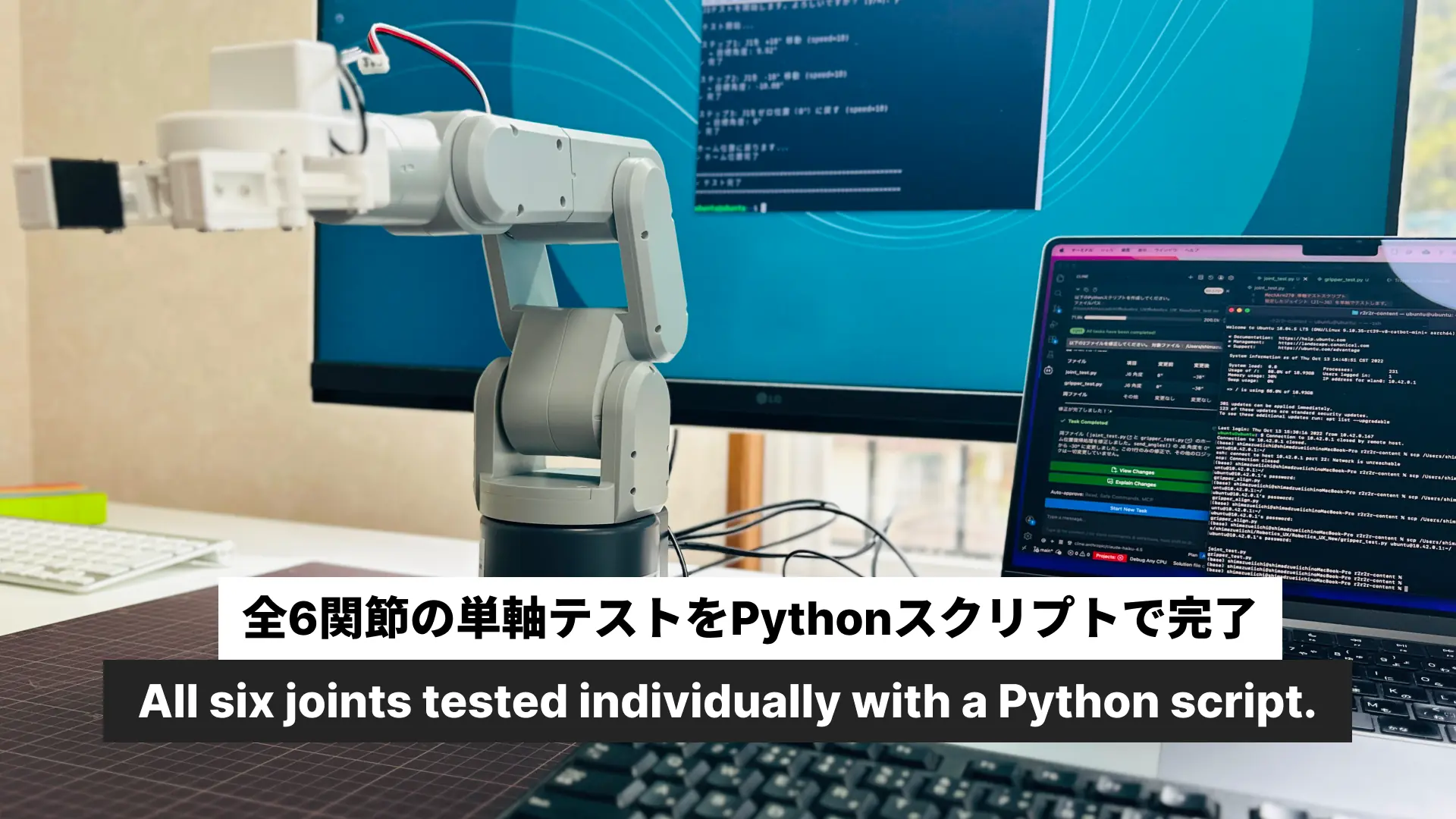
Pythonループが回った。mechArm 270 × OpenCV × Unity R2R2Rパイプライン初成功
カメラ判定スクリプトを実装し、R2R2Rの完全なループを初めて通した日。
💡 Key Takeaway
iPhoneカメラの赤色検出でブロックの置き場所を判定し、ロボットの動作完了を確認するループが完走した。センサーなし・追加ハードウェアなし・iPhoneとMacと既存のロボットだけで、Phase 1の「ループが回る」という事実を証明した。
発生した問題 | 現場判断 | 結果 |
|---|---|---|
get_gripper_value()がpymycobotに存在しなかった | Stage 1をカメラ判定のみに絞る | Stage 2(赤色検出)一本でループを設計し直した |
ElephantRobotics_APとIriunが同時に使えない | Piをモニター直接操作・MacをホームWiFiに切り替える | WiFi問題を物理的に回避した |
グリッパーがPLACE姿勢で5回に1回しか開かない | APPROACH_PLACEに戻ってからグリッパーを開く | 毎回安定して開くようになった |
まずカメラのスクリプトを作った
— Stage 2の実装から始めた。
今日の目標はシンプルだった。ロボットがブロックを置いた後、それをiPhoneカメラで確認するスクリプトを作る。
最初に作ったのは camera_check.py だ。ROI(関心領域)の座標を決めるためのツールで、ライブ映像を見ながらスペースキーでフレームを固定してマウスでドラッグする方式にした。静止フレーム取得方式だと起動直後のフレームが黒くなる問題があったためで、ライブプレビュー方式に変えることで解決した。
次に camera_judge.py を作った。最初は輝度ベースの判定を設計したが、実際にテストすると問題が出た。黒いカッティングマットにブロックを置いたとき、輝度差がほぼゼロだったのだ。マットの色が暗いため、ブロックがあってもなくても輝度がほとんど変わらない。
輝度判定をあきらめてブロックの赤色を検出する方法に切り替えた。HSV色空間で赤色ピクセルの割合を計算し、5%以上なら「物体あり」と判定する方式だ。これを実際にテストすると、ブロックなしで0.0%、ブロックありで17.2%という明確な差が出た。
ブロックなし: Red ratio 0.0%
ブロックあり: Red ratio 17.2%
Result: OBJECT DETECTED ✓
gripper_check.pyが詰まった
— Stage 1のグリッパー判定を実装しようとした瞬間、壁にぶつかった。
get_gripper_value() を呼び出すスクリプトを書いてPiで実行した。
AttributeError: 'MyCobot' object has no attribute 'get_gripper_value'存在しないメソッドだった。インストールされているpymycobotのバージョンには、グリッパーの値を「取得する」メソッドがない。使えるのは set_gripper_state、set_gripper_value、set_gripper_calibration の3つだけで、すべて「セットする」方向のAPIだった。
判定できないなら、Stage 1は捨てる。カメラ判定だけでループを設計し直した。シンプルになった分、むしろ実装が速くなった。
WiFiの問題が出た
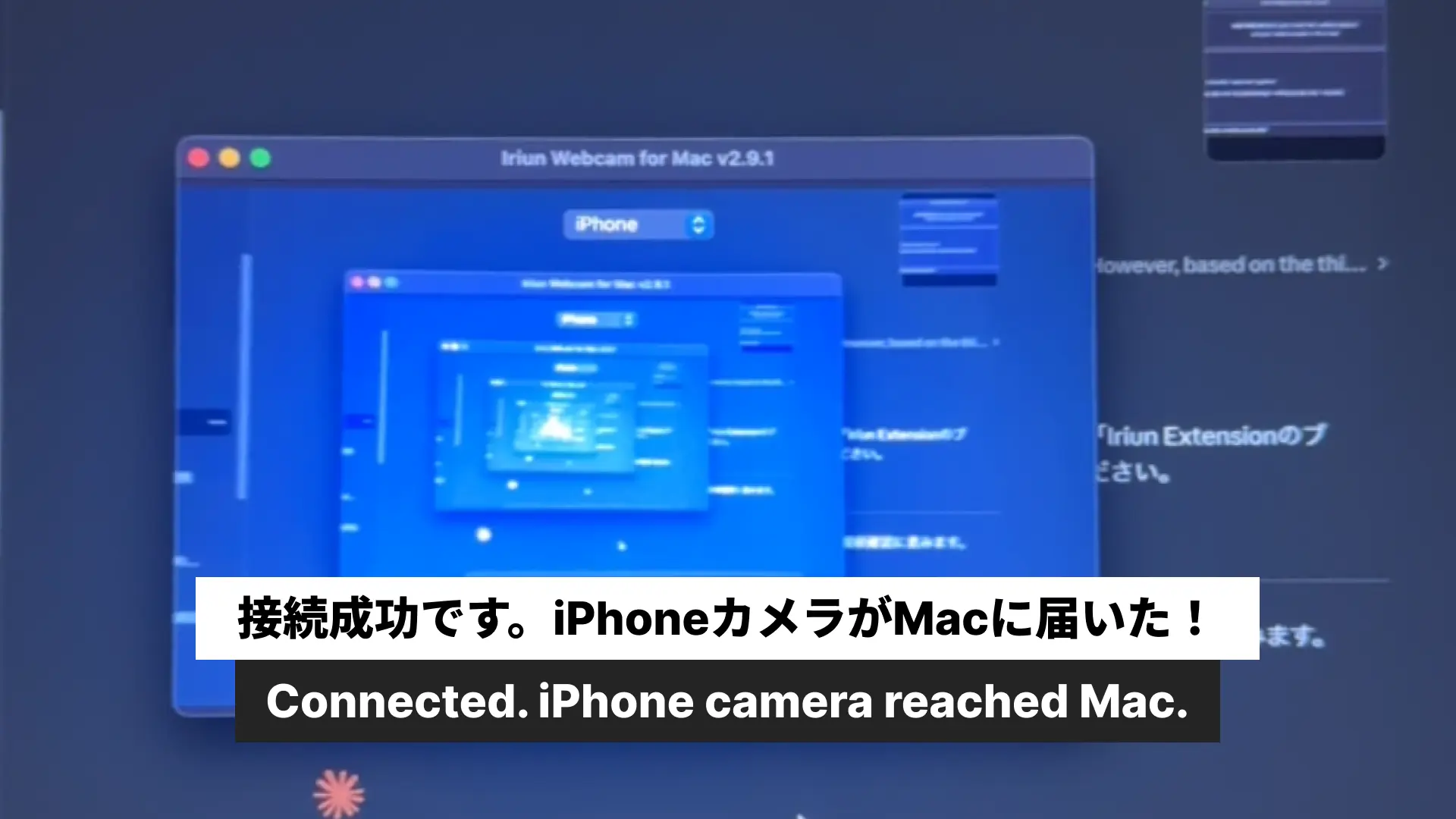
— r2r2r_loop.pyを動かそうとした瞬間、IriunとSSHが同時に使えないことが判明した。
構造的な問題だった。
SSHでPiに繋ぐにはMacがElephantRobotics_APに接続している必要がある。しかしIriunはMacとiPhoneが同じWiFiにいる必要がある。この2つは同時に満たせない。
解決策は物理的な回避だった。Piをモニターに直接繋いでキーボードで操作し、MacはホームWiFi(TP-Link)に繋いだままIriunを動かす。SSHは使わない。
Pi(モニター直接): pick_and_place.py を実行
Mac(ホームWiFi): Iriun経由でiPhoneカメラを取得 → r2r2r_loop.py
r2r2r_loop.pyのSSH部分を削除して、「Enterを押したら待機してカメラ判定する」シンプルな構成に変えた。
グリッパーが開かなかった
— pick_and_place.pyにインデントのバグがあった。そして物理的な問題もあった。
PiのモニターでStep9のログを見てみると、Step9が実行されていなかった。コードを確認すると、Step9のインデントが1スペース多かった。Pythonがエラーを出してStep9をスキップしていたのだ。Clineで修正してscpで転送した。
バグは直った。しかしまだグリッパーが毎回は開かなかった。PLACE姿勢で set_gripper_state(0, 100) を呼んでも、5回に1回しか開かない。
原因を探った。グリッパーはわずかに動こうとしているが、力が足りない感じだった。PLACE姿勢でアームが特定の角度になると、グリッパーへの電流供給が不安定になる可能性があった。
解決策は「APPROACH_PLACEの中間位置に少し戻ってからグリッパーを開く」方式だった。
PLACE位置 → 中間姿勢[59.85, 30.0, 27.94, ...] → グリッパー開く → ブロック落下これで毎回安定して開くようになった。
ループが回った
— 全部繋いでr2r2r_loop.pyを実行した。
Pi側でpick_and_place.pyを実行して完了したらEnterを押す。Mac側のr2r2r_loop.pyが10秒待ってからiPhoneカメラのROIを確認する。
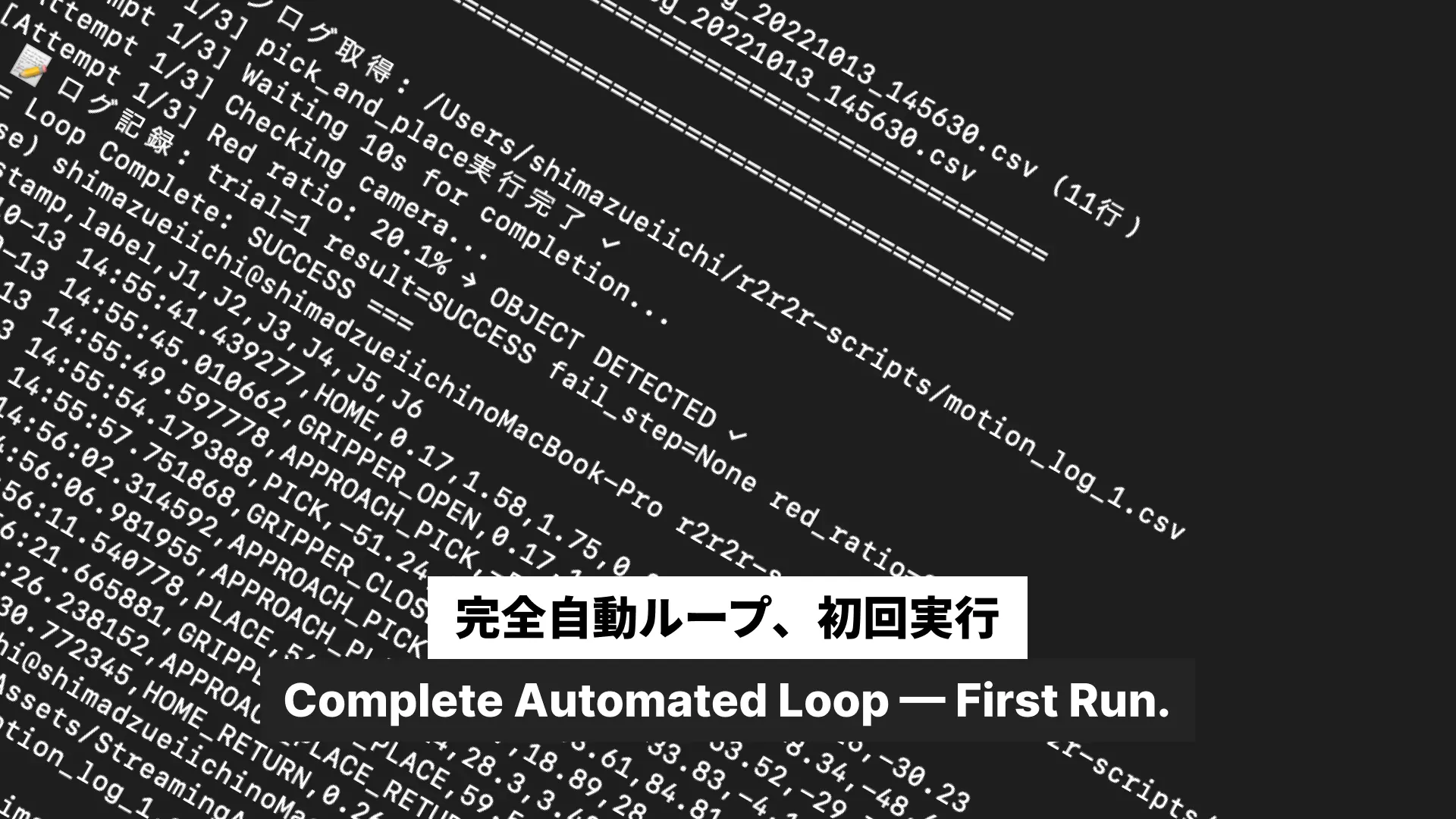
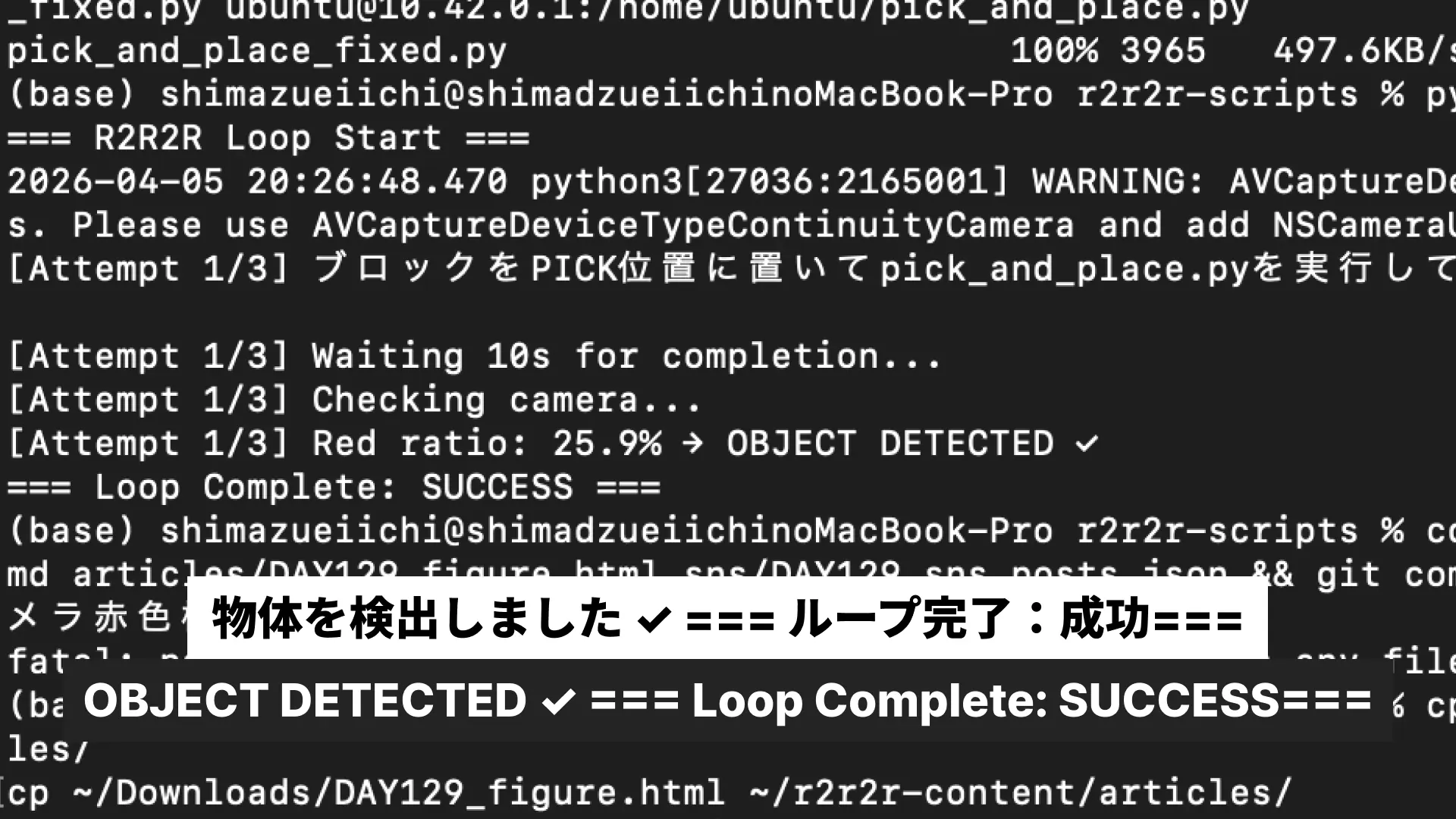
=== R2R2R Loop Start ===
[Attempt 1/3] ブロックをPICK位置に置いてpick_and_place.pyを実行してください。完了したらEnterを押してください

[Attempt 1/3] Waiting 10s for completion...
[Attempt 1/3] Checking camera...
[Attempt 1/3] Red ratio: 25.9% → OBJECT DETECTED ✓
=== Loop Complete: SUCCESS ===
ん。なったよ。
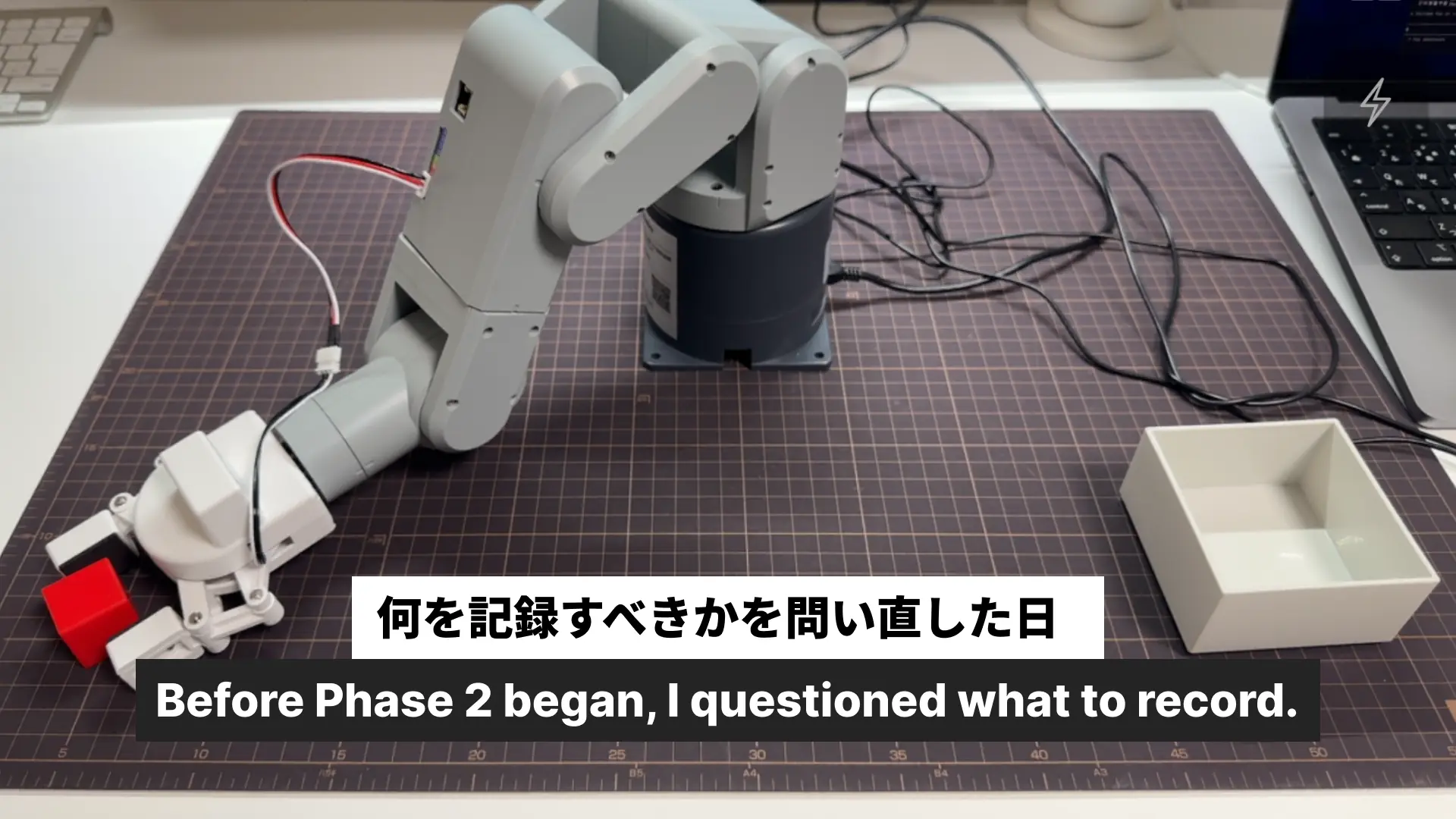
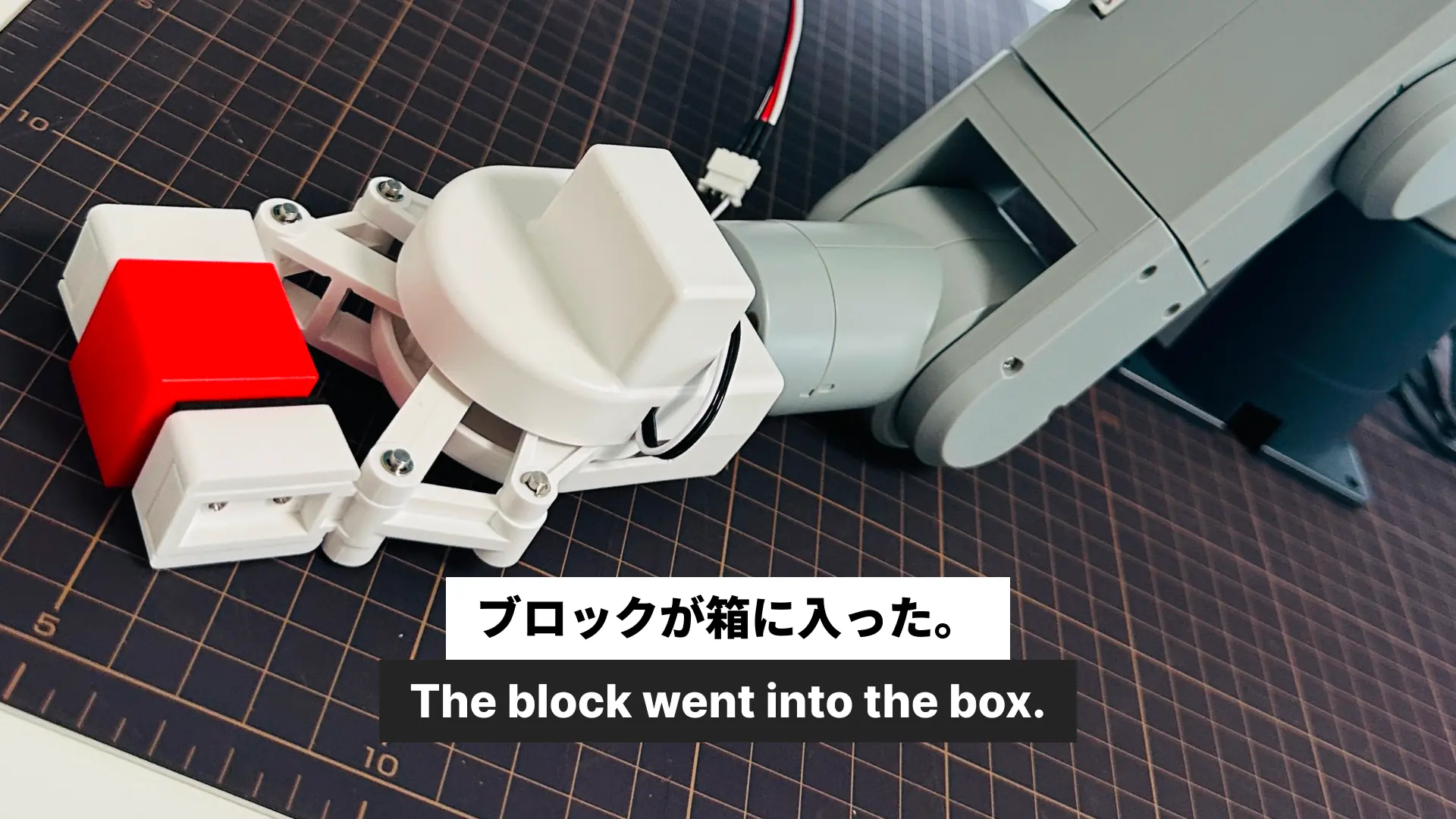
ロボットがブロックを掴んで、別の場所に置いて、カメラがそれを確認した。それだけのことだけど、全部自分で作ったスクリプトが繋がって動いた。iPhoneとMacとロボットだけで。
Phase 1、完了。
「ループが回る」という事実が証明された。次はこのループを複数回安定して回すこと、そして回数を重ねながらデータを取り始めることだ。
コード全文(ログ)
camera_check.py
#!/usr/bin/env python3
"""
カメラ確認スクリプト
iPhoneカメラ(index 1)からのライブ映像を表示し、
スペースキーで確定後、ROI選択ツールで領域を選択して
平均輝度を計算するスクリプト
"""

import cv2
import numpy as np
import sys


def main():
    cap = cv2.VideoCapture(1)
    if not cap.isOpened():
        print("Camera not found (index 1)")
        sys.exit(1)

    window_name = "Camera Live Preview - Press SPACE to capture, Q to quit"
    cv2.namedWindow(window_name)
    frame = None

    while True:
        ret, frame = cap.read()
        if not ret:
            continue
        cv2.imshow(window_name, frame)
        key = cv2.waitKey(1) & 0xFF
        if key == ord(' '):
            break
        if key == ord('q'):
            cap.release()
            cv2.destroyAllWindows()
            sys.exit(0)

    if frame is None:
        print("Camera not found (index 1)")
        cap.release()
        cv2.destroyAllWindows()
        sys.exit(1)

    roi = cv2.selectROI(window_name, frame, showCrosshair=True, fromCenter=False)
    cv2.destroyAllWindows()

    if roi[2] == 0 or roi[3] == 0:
        print("ROI selection cancelled")
        cap.release()
        sys.exit(0)

    x, y, w, h = roi
    roi_frame = frame[y:y+h, x:x+w]
    gray_roi = cv2.cvtColor(roi_frame, cv2.COLOR_BGR2GRAY)
    mean_brightness = np.mean(gray_roi)

    print(f"ROI: x={x}, y={y}, w={w}, h={h}")
    print(f"Mean brightness: {mean_brightness:.1f}")
    cap.release()


if __name__ == "__main__":
    main()
camera_judge.py
#!/usr/bin/env python3
"""
カメラ判定スクリプト
PLACE動作後に、指定ROI内の赤色ピクセル割合を計測して物体の有無を判定する
"""

import cv2
import numpy as np
import sys


def detect_red(cap, roi):
    x, y, w, h = roi
    for _ in range(30):
        cap.read()
    ret, frame = cap.read()
    if not ret:
        print("Failed to read frame")
        return None, None

    roi_frame = frame[y:y+h, x:x+w]
    hsv_roi = cv2.cvtColor(roi_frame, cv2.COLOR_BGR2HSV)

    lower_red1 = np.array([0, 100, 100])
    upper_red1 = np.array([10, 255, 255])
    lower_red2 = np.array([160, 100, 100])
    upper_red2 = np.array([180, 255, 255])

    mask1 = cv2.inRange(hsv_roi, lower_red1, upper_red1)
    mask2 = cv2.inRange(hsv_roi, lower_red2, upper_red2)
    red_mask = cv2.bitwise_or(mask1, mask2)

    red_pixels = cv2.countNonZero(red_mask)
    total_pixels = roi_frame.shape[0] * roi_frame.shape[1]
    red_ratio = red_pixels / total_pixels
    is_detected = red_ratio >= 0.05

    return is_detected, red_ratio


def main():
    default_roi = (1571, 607, 249, 211)
    roi = default_roi

    cap = cv2.VideoCapture(1)
    if not cap.isOpened():
        print("Camera not found (index 1)")
        sys.exit(1)

    print("Remove object from ROI. Press Enter when ready.")
    input()
    is_detected_no_obj, red_ratio_no_obj = detect_red(cap, roi)
    if red_ratio_no_obj is None:
        cap.release()
        sys.exit(1)
    print(f"Red ratio (no object): {red_ratio_no_obj * 100:.1f}%")
    print()

    print("Place object in ROI. Press Enter when ready.")
    input()
    is_detected_with_obj, red_ratio_with_obj = detect_red(cap, roi)
    if red_ratio_with_obj is None:
        cap.release()
        sys.exit(1)
    print(f"Red ratio (with object): {red_ratio_with_obj * 100:.1f}%")

    if is_detected_with_obj:
        print("Result: OBJECT DETECTED ✓")
    else:
        print("Result: NO OBJECT ✗")

    cap.release()


if __name__ == "__main__":
    main()
r2r2r_loop.py
#!/usr/bin/env python3
"""
R2R2R ループスクリプト
pick_and_place.py を実行して、カメラで物体検出を確認する
最大3回のリトライを行う
"""

import sys
import time
import cv2
from camera_judge import detect_red


def main():
    print("=== R2R2R Loop Start ===")

    roi = (1571, 607, 249, 211)

    cap = cv2.VideoCapture(1)
    if not cap.isOpened():
        print("Error: Camera not found (index 1)")
        sys.exit(1)

    try:
        for attempt in range(1, 4):
            print(f"[Attempt {attempt}/3] ブロックをPICK位置に置いてpick_and_place.pyを実行してください。完了したらEnterを押してください")
            input()

            print(f"[Attempt {attempt}/3] Waiting 10s for completion...")
            time.sleep(10)

            print(f"[Attempt {attempt}/3] Checking camera...")
            is_detected, red_ratio = detect_red(cap, roi)

            if red_ratio is None:
                print(f"[Attempt {attempt}/3] Failed to read camera")
                continue

            red_ratio_percent = red_ratio * 100

            if is_detected:
                print(f"[Attempt {attempt}/3] Red ratio: {red_ratio_percent:.1f}% → OBJECT DETECTED ✓")
                print("=== Loop Complete: SUCCESS ===")
                return
            else:
                print(f"[Attempt {attempt}/3] Red ratio: {red_ratio_percent:.1f}% → NO OBJECT ✗")

        print("=== Loop Complete: FAILED ===")

    finally:
        cap.release()


if __name__ == "__main__":
    main()
pick_and_place.py
#!/usr/bin/env python3
# -*- coding: utf-8 -*-
"""
MechArm270 ピック&プレイステストスクリプト
"""

from pymycobot.mycobot import MyCobot
import time

mc = MyCobot('/dev/ttyAMA0', 1000000)
time.sleep(3)

HOME           = [0, 0, 0, 0, 0, -30]
APPROACH_PICK  = [-54.22, 81.91, -30.14, -8.08, -50.27, -29.44]
PICK           = [-46.93, 102.74, -43.33, 3.6, -60.11, -31.9]
APPROACH_PLACE = [59.85, 16.87, 27.94, 10.01, -45.17, -35.33]
PLACE          = [54.49, 45.17, 26.63, 2.9, -70.57, -29.26]
SPEED          = 20


def main():
    print("\n" + "="*60)
    print("MechArm270 ピック&プレイステスト")
    print("="*60 + "\n")

    try:
        print("Step1: ホーム位置へ移動")
        mc.send_angles(HOME, SPEED)
        time.sleep(3)
        print("  ✓ 完了\n")

        print("Step2: グリッパーを開く")
        mc.set_gripper_state(0, 100)
        time.sleep(2)
        print("  ✓ 完了\n")

        print("Step3: APPROACH_PICK位置へ移動")
        mc.send_angles(APPROACH_PICK, SPEED)
        time.sleep(3)
        print("  ✓ 完了\n")

        print("Step4: PICK位置へ移動")
        mc.send_angles(PICK, SPEED)
        time.sleep(3)
        print("  ✓ 完了\n")

        print("Step5: グリッパーを閉じる")
        mc.set_gripper_state(1, 70)
        time.sleep(2)
        print("  ✓ 完了\n")

        print("Step6: APPROACH_PICK位置へ戻る")
        mc.send_angles(APPROACH_PICK, SPEED)
        time.sleep(3)
        print("  ✓ 完了\n")

        print("Step7: APPROACH_PLACE位置へ移動")
        mc.send_angles(APPROACH_PLACE, SPEED)
        time.sleep(3)
        print("  ✓ 完了\n")

        print("Step8: PLACE位置へ移動")
        mc.send_angles(PLACE, SPEED)
        time.sleep(3)
        print("  ✓ 完了\n")

        print("Step9: グリッパーを開く")
        # PLACE姿勢では電流不足のため中間姿勢経由で開く
        mc.send_angles([59.85, 30.0, 27.94, 10.01, -45.17, -35.33], 20)
        time.sleep(2)
        mc.set_gripper_state(0, 100)
        time.sleep(3)
        print("  ✓ 完了\n")

        print("Step10: APPROACH_PLACE位置へ戻る")
        mc.send_angles(APPROACH_PLACE, SPEED)
        time.sleep(3)
        print("  ✓ 完了\n")

        print("Step11: ホーム位置へ戻る")
        mc.send_angles(HOME, SPEED)
        time.sleep(3)
        print("  ✓ 完了\n")

        print("="*60)
        print("ピック&プレイス完了")
        print("="*60 + "\n")
        return True

    except Exception as e:
        print(f"✗ エラー: {e}\n")
        return False


if __name__ == "__main__":
    success = main()
    exit(0 if success else 1)